
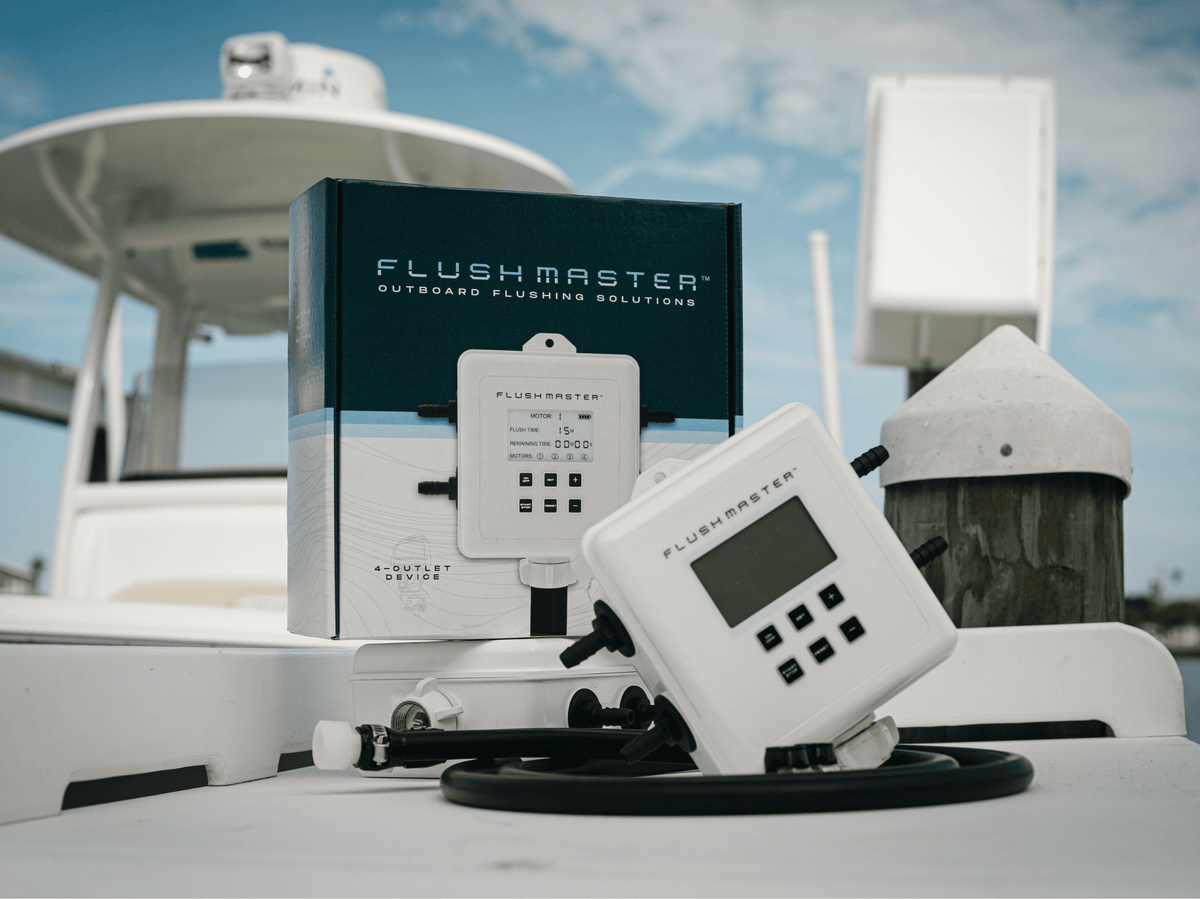
Flushmaster began with a familiar end-of-day chore: moving a flushing hose from one outboard to the next and keeping track of the time. The Controller automates that sequence so the routine takes less hands-on work.

What the Controller does
Connect a suitable freshwater supply to the Controller and a separate outlet hose to each engine's approved flushing connection. Set the active outlets and flushing duration for your engines, then start the cycle. Flushmaster sends water to one selected outlet at a time and stops the flow when the programmed sequence finishes.
A 2-Outlet Controller serves one or two engines. The 4-Outlet Controller serves up to four. Battery operation lets you use the Controller without a shore-power connection.

Choose the connection that helps you
Engine-side Quick Connects simplify hose attachment. A Flush Port Reroute brings approved engine-flush connections to an accessible location inside the boat. A compatible existing onboard inlet may already provide the access you need. These are different arrangements; you do not automatically need every product.
Keep the engine's instructions in charge
Use Flushmaster with approved freshwater flush ports and the engines off. Follow the instructions for your exact engine on water supply, position and duration. Automatic timing does not shorten the required flush, create water pressure or replace other scheduled maintenance. Check hose connections and water flow when you start.
Explore Flushmaster Controllers, or ask us about your existing setup.
Share:
Flushmaster Lands First Dealer - Mastry Engine Center